
1. Locating the Tension Control Interface
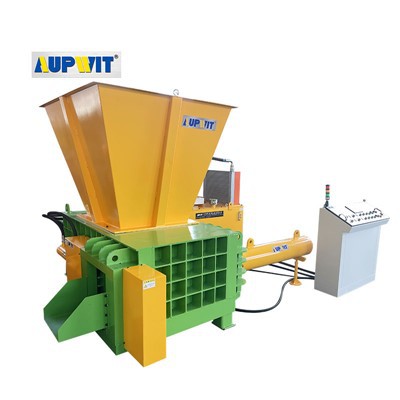
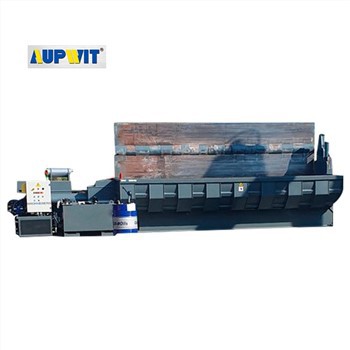
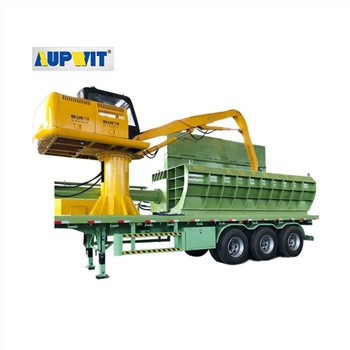
- Access the primary control panel of the Y81PTZ Automatic Scrap Baler.
- Tension settings are typically managed via the PLC's human‑machine interface (HMI).
- Alternatively, some models feature a dedicated mechanical adjustment knob on the strapping dispenser.
- Locating the control point is the first step to customizing performance.
2. Understanding Material & Density Requirements
- Optimal tension depends on the characteristics of the metal scrap being processed.
- For dense, heavy materials (steel, cast iron) – higher tension is required.
- For lighter or more brittle non‑ferrous metals – reduce tension to prevent strap snapping or deformation.
- Proper tension ensures bales maintain their shape during transport.
3. Incremental Adjustment & Testing
- Always adjust tension in small, incremental steps to avoid over‑tightening.
- Modify the setting and run a single test cycle to evaluate the result.
- Goal: achieve a snug fit where the strap holds securely without cutting into the material.
- Avoid strap breakage under extreme compression pressure.
4. Monitoring Strap Integrity & Final Calibration
- Closely monitor the physical condition of the strap during testing.
- If stretching, tearing, or improper locking occurs, recalibrate the tension.
- Once the perfect balance is achieved, document and lock the final settings.
- Ensures consistent, high‑quality baling for future production runs.